

Introduction.
Virtualization has become one of the most important concepts in modern computing, shaping the way people learn, test, and interact with technology. As digital tools continue to evolve, the need for safe, flexible, and accessible learning environments grows stronger every day. Many beginners are curious about exploring new operating systems but feel hesitant to modify their real computer or risk losing important data.
This is where virtualization steps in, offering a solution that allows users to create a separate, fully functional computer inside their existing machine. For newcomers to the world of technology, virtualization opens doors that were once limited to advanced users or professionals with specialized equipment. It allows anyone to experiment freely, learn confidently, and explore technical concepts without fear of damaging their main system. Among the various virtualization platforms available today, VirtualBox stands out as one of the most beginner-friendly and widely accessible options.
Its simple interface, free availability, and powerful features make it a perfect starting point for those who want to understand how virtual machines work. VirtualBox gives users the ability to run multiple operating systems such as Windows, Linux, or older versions within a single host computer. This capability enables learners to practice skills, test software, and explore new environments without making any permanent changes to their device.
For students who want to understand Linux but do not want to dual-boot or partition their disk, VirtualBox offers an easy and risk-free alternative. Developers who need to test applications across different operating systems can rely on VirtualBox to provide multiple test environments at once.
Cybersecurity learners can build safe, isolated virtual labs that allow them to practice penetration testing, network simulations, and ethical hacking tools.
All of this can be done without compromising the security or stability of their primary operating system.
VirtualBox also eliminates the need for extra hardware, making it an ideal option for those who want to set up virtual servers or networks without buying additional machines. Beginners often appreciate VirtualBox’s intuitive design, which guides them through creating virtual machines without overwhelming them with complex settings.
The ability to adjust virtual hardware such as RAM, CPU cores, and storage helps users understand how real computer systems are configured. Even if mistakes occur during experimentation, VirtualBox makes it easy to delete, reset, or recreate a virtual machine in minutes. The snapshot feature is especially valuable, as it allows users to save the current state of a virtual machine and return to it whenever needed.
This means beginners can try different settings, install new software, or even break their virtual system without worrying about permanent consequences. As long as a user has a basic computer with decent memory and processor support, they can begin exploring virtualization without any financial investment.
VirtualBox’s open-source nature ensures that it remains accessible, well-documented, and continuously updated by a dedicated global community.
This widespread support makes troubleshooting, learning, and skill development easier for beginners who rely on online tutorials and guides. Because VirtualBox works on Windows, macOS, Linux, and other platforms, it offers unmatched flexibility for users with different operating systems. Its cross-platform compatibility also makes it an excellent tool for classrooms, training programs, and self-paced learners.
Virtualization with VirtualBox encourages users to build confidence in technical skills that may have previously felt too advanced or intimidating.
Over time, beginners gain a deeper understanding of system behavior, operating system installation, disk partitioning, and networking concepts. The hands-on experience provided by VirtualBox makes learning more engaging, more practical, and more effective than traditional textbook methods.
By experimenting with virtual machines, users begin to understand how software interacts with hardware, all within a controlled environment. This knowledge lays the foundation for more advanced concepts such as cloud computing, server administration, and cybersecurity practices.
In a world increasingly shaped by digital transformation, virtualization has become a skill that benefits learners in every field of technology. VirtualBox serves as a gateway into this world by offering an accessible starting point that requires no prior experience or expensive resources. Its simplicity empowers beginners to take their first steps into virtualization with confidence and curiosity. At the same time, its advanced features ensure that users can continue exploring as they grow more skilled and knowledgeable.
Whether someone wants to learn Linux, build a secure testing lab, or simply satisfy their curiosity about new operating systems, VirtualBox provides a safe path forward. It allows users to experiment without fear, practice without pressure, and learn without limits. As more people discover the benefits of virtualization, VirtualBox continues to play a vital role in making technology education more available to everyone.
Its blend of approachability and capability makes it the ideal tool for beginners who want to understand the world of virtual machines. Through VirtualBox, learners gain the freedom to explore, break, rebuild, and master technology in a way that is both practical and empowering.
Ultimately, virtualization with VirtualBox introduces beginners to a new dimension of computing one where possibilities are endless, mistakes are harmless, and learning becomes truly hands-on.
This makes VirtualBox not only a useful tool but an essential starting point for anyone stepping into the world of modern technology.

What Is Virtualization?
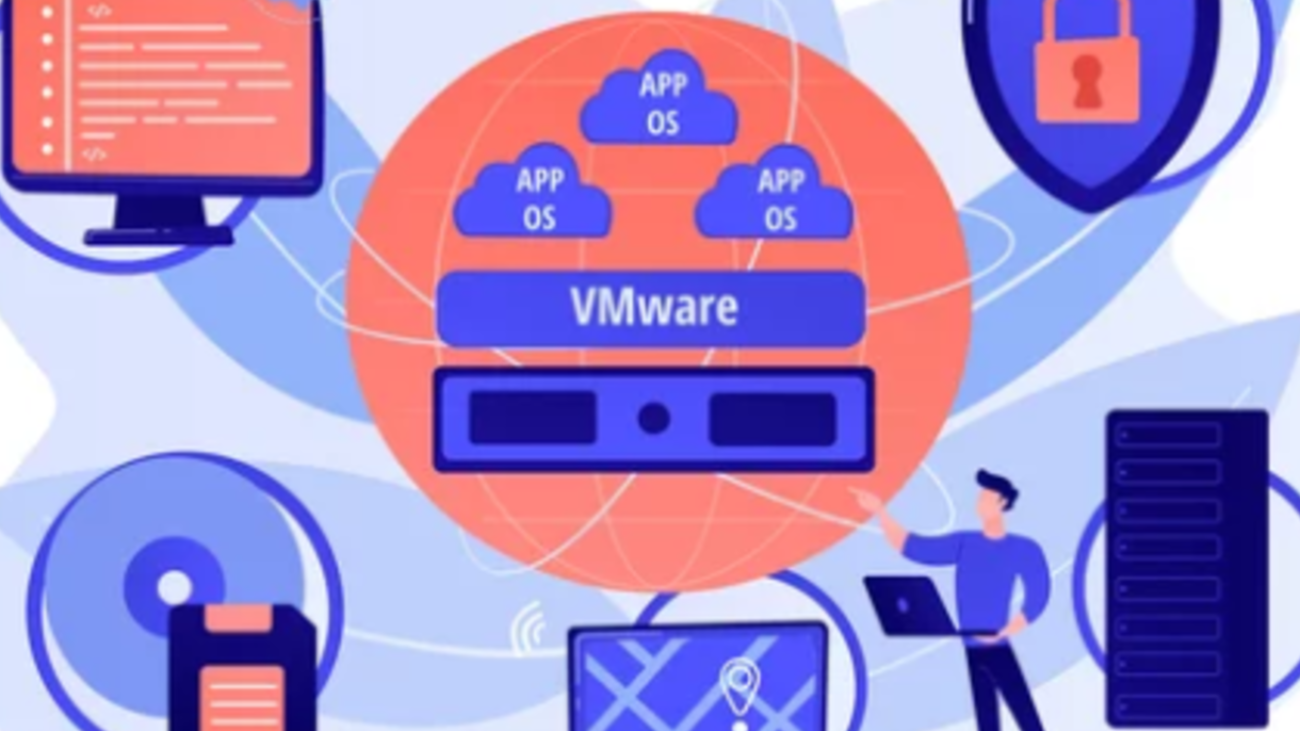
Virtualization is a technology that allows you to run multiple operating systems on one physical computer at the same time.
It works by creating a virtual environment a simulated computer that behaves like a real one.
In simple terms:
Your computer = the host machine
The virtual machine = the guest machine
The guest machine has its own:
- Storage
- RAM
- Operating system
- Applications
…even though it is still running inside your real device.
This means you can run Windows, Linux, or even older OS versions on the same computer without changing your main operating system.
Why Virtualization Matters
Virtualization is used in almost every industry today. It helps with:
- Software development
- IT training
- Cybersecurity labs
- Server management
- Cloud computing
- Testing tools safely
For beginners, it offers a safe, flexible, and low-cost way to learn without breaking anything on their main device.
Why VirtualBox Is the Best Choice for Beginners
1. It’s Completely Free
Unlike other virtualization tools that require paid licenses, VirtualBox is 100% free and open-source.
This makes it perfect for students, hobbyists, and anyone on a budget.
2. Easy to Install and Use
VirtualBox has a simple, beginner-friendly interface.
You can create a virtual machine within minutes:
- Choose an OS
- Select RAM
- Allocate storage
- Start the VM
Even with no technical background, getting started is straightforward.
3. Supports Almost Any Operating System
VirtualBox works on:
- Windows
- macOS
- Linux
- Solaris
And within it, you can run:
- Ubuntu
- Debian
- Kali Linux
- Windows XP–11
- Many more
This flexibility makes it perfect for testing, learning, or experimenting.
4. Safe Learning Environment
When you experiment inside a virtual machine, your real computer stays safe.
You can:
- Try Linux commands
- Install new software
- Run risky tools
- Practice cybersecurity
…with zero risk to your main system.
If something breaks, simply delete the VM or restore a snapshot.
5. Snapshot Feature: Perfect for Mistakes
VirtualBox allows you to create snapshots saved points of your virtual machine’s state.
If something goes wrong, you can revert to a previous snapshot instantly.
For beginners who make mistakes (everyone does!), this feature is extremely helpful.
6. Lightweight and Runs on Most Computers
VirtualBox doesn’t require a powerful system.
A computer with:
- 4–8 GB RAM
- 64-bit CPU
- A few gigabytes of storage
…is usually enough to run a lightweight VM like Ubuntu.
This makes virtualization accessible to almost everyone.
7. Great for IT, Coding, and Cybersecurity Students
VirtualBox is widely used in training labs because it lets learners:
- Practice Linux
- Learn networking
- Simulate servers
- Build hacking labs
- Experiment with ethical hacking tools
All without needing expensive hardware.
8. Huge Community and Support
Because VirtualBox is open-source and extremely popular, millions of users share:
- Tutorials
- YouTube guides
- Forums
- Troubleshooting tips
Whenever beginners get stuck, help is easy to find.
What Can You Do With VirtualBox as a Beginner?
With VirtualBox, beginners can explore a wide range of learning opportunities:
✔ Install and learn Linux
✔ Practice coding in different environments
✔ Create a home cybersecurity lab
✔ Test software without damaging your OS
✔ Learn server administration
✔ Run old Windows versions for compatibility
✔ Experiment freely and safely
VirtualBox becomes your personal learning playground safe, flexible, and customizable.
Limitations to Keep in Mind
While VirtualBox is excellent for learning, it has a few limitations:
- Not ideal for gaming
- Heavy workloads may run slower
- Requires enough RAM from the host machine
- macOS virtualization has legal restrictions
For most beginners, these limitations barely matter, since VirtualBox is aimed at learning, testing, and experimenting.

Conclusion.
Virtualization is a powerful technology that has become essential in today’s digital world. VirtualBox makes this technology accessible to everyone especially beginners. It offers a free, safe, and flexible way to explore new operating systems, practice technical skills, and build virtual environments without needing complex hardware or advanced knowledge.
Whether you’re a student learning Linux, a developer testing applications, or simply someone curious about technology, VirtualBox is the perfect starting point. With its ease of use and powerful features, it opens the door to endless learning opportunities in the world of computing.